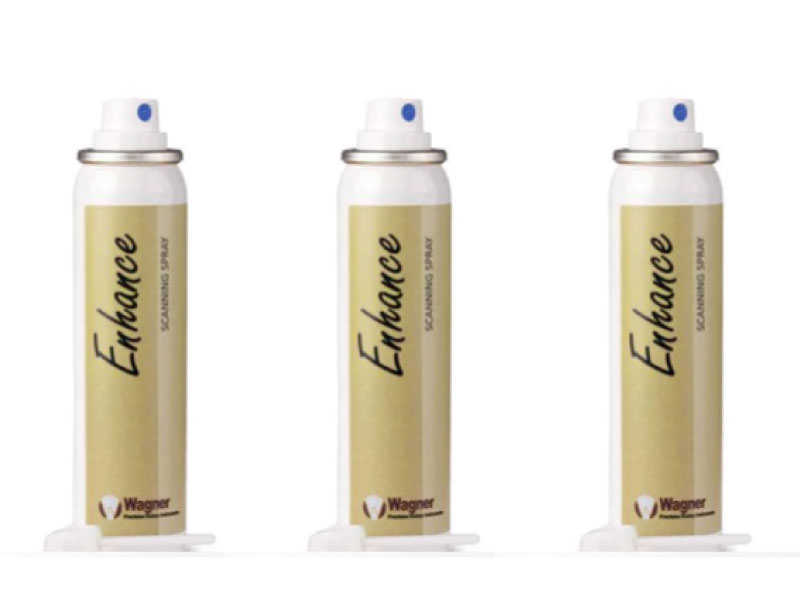
Titanium dioxide-based scanning spray for CAD/CAM optical scanning systems. Fine, uniform particle distribution creates a consistent matte surface on any substrate for accurate, reliable digital impressions.
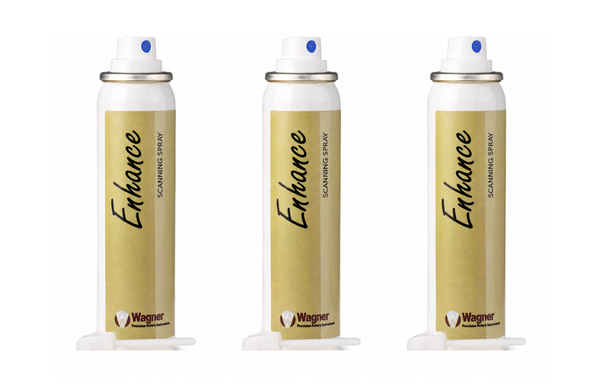
Highly reflective or translucent surfaces — metal alloys, zirconia, natural tooth enamel, and polished ceramics — scatter or transmit structured light in ways that compromise scan accuracy. Wagner Precision CAD/CAM Scanning Spray applies a controlled titanium dioxide matte coating that eliminates surface reflectivity and provides the scanner with a consistent, opaque reference surface for capturing precise digital geometry.
| Scanner Brand | Compatibility |
|---|---|
| Dentsply Sirona Cerec / inEos | Compatible |
| 3Shape D Series / Trios | Compatible |
| Align iTero | Compatible |
| Medit i Series / T Series | Compatible |
| GC Aadva Scan | Compatible |
| Other optical CAD/CAM scanners | Compatible |
Proper application technique ensures uniform coverage and reliable scan results. Follow these steps for consistent performance.
Ensure the surface to be scanned is clean and dry. Remove any debris, moisture, or contamination before applying spray. Blow dry with air syringe if needed.
Shake the aerosol can vigorously for 10–15 seconds before use to ensure uniform particle suspension and consistent spray output.
Hold the can 15–20 cm from the surface. Apply a single thin, even coat from a sweeping motion. Avoid heavy buildup — a minimal matte coating is sufficient.
Allow spray to dry for 10–15 seconds, then scan immediately. Remove the coating after scanning with an air syringe or gentle water rinse.